Social Media Scheduler for Small Business — AI Without the Agency Bill
Small businesses need an affordable social media scheduling tool that covers Facebook, Instagram, and Google Business Profile—without Hootsuite-style complexity. SocialSchedule is the AI social media manager for owners who still run the shop.
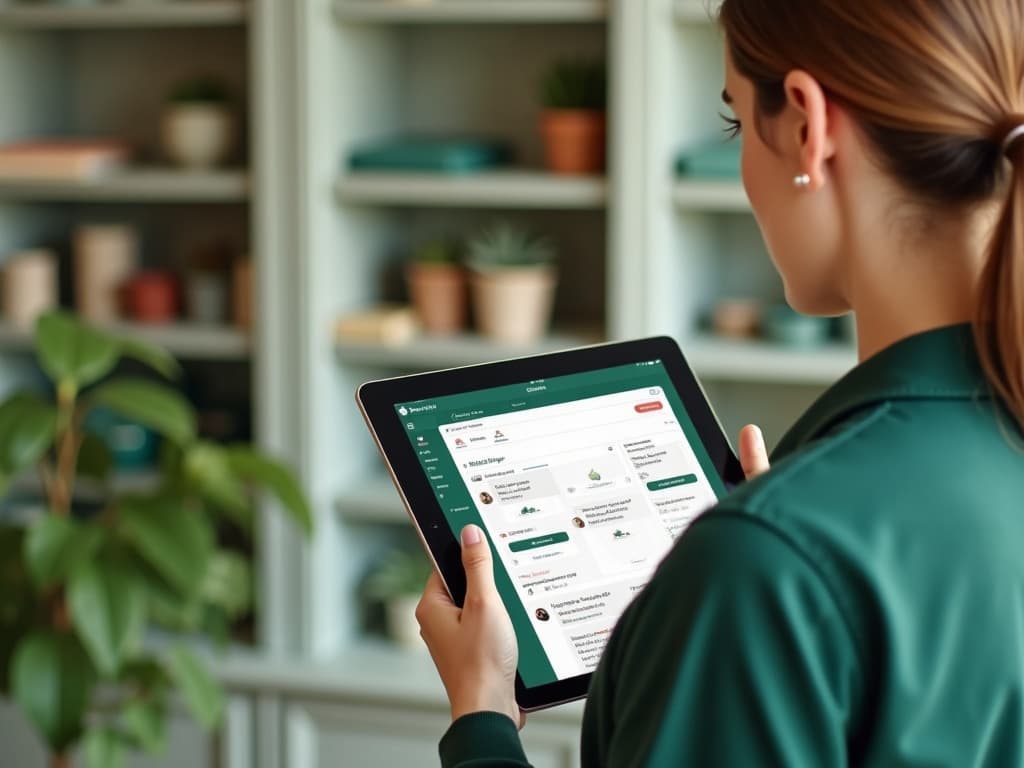
One calendar for Facebook, Instagram, GBP, and more
A content calendar for small business should show every post that will hit local customers this week. Local visibility starts with a single source of truth. SocialSchedule is built as an AI-native social media scheduler, so this section focuses on practical workflow—not a feature checklist that could belong to any 2012 queue tool. Schedule social posts for small business across Meta, Google Business Profile, and other networks from one view. For small business, “One calendar for Facebook, Instagram, GBP, and more” is not a buzzword section—it is an operating system: plan pillars, draft with AI, schedule into optimal windows, and measure outcomes that matter.
Stop hopping between native apps after close—queue updates while you still have energy. Teams use a shared content calendar, smart queues, and optimal posting time recommendations to keep Instagram, TikTok, LinkedIn, X, Facebook, YouTube, Threads, Pinterest, Bluesky, and Google Business Profile moving without daily app hopping. AI drafting helps with captions, hooks, and hashtags, while approvals protect brand voice before anything goes live. SocialSchedule connects this workflow across Instagram, TikTok, X, LinkedIn, Facebook, YouTube, Threads, Pinterest, Bluesky, and Google Business Profile from one AI-native calendar and queue—not a bolted-on caption box on a 2012-style publisher. Keep platform-native formatting, approvals, and analytics in the same loop.
Multi-platform coverage includes Threads and Bluesky when you are ready to expand. When you outgrow manual posting, SocialSchedule’s agent surface—CLI, MCP server, API, and Skills—lets developers and AI agents schedule posts with the same guardrails marketers already trust. Explore related guides on the blog, skim the glossary for scheduling terms, and open the app to turn this playbook into a live queue. When you are ready, open https://app.socialschedule.ai/login to schedule live—or automate the same steps with CLI, MCP, API, and Skills while humans keep brand-voice guardrails.

AI that writes posts when you don’t have a marketer
AI can draft specials, reminders, and offer posts in your brand voice. You should not need an agency retainer to sound consistent online. SocialSchedule is built as an AI-native social media scheduler, so this section focuses on practical workflow—not a feature checklist that could belong to any 2012 queue tool. An AI social media manager for small business should save hours without sounding corporate. For small business, “AI that writes posts when you don’t have a marketer” is not a buzzword section—it is an operating system: plan pillars, draft with AI, schedule into optimal windows, and measure outcomes that matter.
Review drafts quickly, approve, and schedule—especially useful for owner-operators. Teams use a shared content calendar, smart queues, and optimal posting time recommendations to keep Instagram, TikTok, LinkedIn, X, Facebook, YouTube, Threads, Pinterest, Bluesky, and Google Business Profile moving without daily app hopping. AI drafting helps with captions, hooks, and hashtags, while approvals protect brand voice before anything goes live. SocialSchedule connects this workflow across Instagram, TikTok, X, LinkedIn, Facebook, YouTube, Threads, Pinterest, Bluesky, and Google Business Profile from one AI-native calendar and queue—not a bolted-on caption box on a 2012-style publisher. Keep platform-native formatting, approvals, and analytics in the same loop.
Keep a short list of content pillars: offers, proof, education, and community. When you outgrow manual posting, SocialSchedule’s agent surface—CLI, MCP server, API, and Skills—lets developers and AI agents schedule posts with the same guardrails marketers already trust. Explore related guides on the blog, skim the glossary for scheduling terms, and open the app to turn this playbook into a live queue. When you are ready, open https://app.socialschedule.ai/login to schedule live—or automate the same steps with CLI, MCP, API, and Skills while humans keep brand-voice guardrails.

Weekly content cadence templates for SMBs
Most small teams win with a realistic weekly cadence, not a 30-post fantasy calendar. Cadence beats intensity for local brands. SocialSchedule is built as an AI-native social media scheduler, so this section focuses on practical workflow—not a feature checklist that could belong to any 2012 queue tool. Template days for promotions, behind-the-scenes, reviews, and GBP updates. For small business, “Weekly content cadence templates for SMBs” is not a buzzword section—it is an operating system: plan pillars, draft with AI, schedule into optimal windows, and measure outcomes that matter.
How often should a small business post? Enough to stay present—usually several quality posts per week across priority channels. Teams use a shared content calendar, smart queues, and optimal posting time recommendations to keep Instagram, TikTok, LinkedIn, X, Facebook, YouTube, Threads, Pinterest, Bluesky, and Google Business Profile moving without daily app hopping. AI drafting helps with captions, hooks, and hashtags, while approvals protect brand voice before anything goes live. SocialSchedule connects this workflow across Instagram, TikTok, X, LinkedIn, Facebook, YouTube, Threads, Pinterest, Bluesky, and Google Business Profile from one AI-native calendar and queue—not a bolted-on caption box on a 2012-style publisher. Keep platform-native formatting, approvals, and analytics in the same loop.
SocialSchedule turns templates into a live schedule you can reuse. When you outgrow manual posting, SocialSchedule’s agent surface—CLI, MCP server, API, and Skills—lets developers and AI agents schedule posts with the same guardrails marketers already trust. Explore related guides on the blog, skim the glossary for scheduling terms, and open the app to turn this playbook into a live queue. When you are ready, open https://app.socialschedule.ai/login to schedule live—or automate the same steps with CLI, MCP, API, and Skills while humans keep brand-voice guardrails.

Local visibility: Google Business Profile + Meta
Google Business Profile posting for small business supports specials, events, and local discovery. Local SEO and social should reinforce each other. SocialSchedule is built as an AI-native social media scheduler, so this section focuses on practical workflow—not a feature checklist that could belong to any 2012 queue tool. Pair GBP with Facebook and Instagram so nearby customers see you in more than one feed. For small business, “Local visibility: Google Business Profile + Meta” is not a buzzword section—it is an operating system: plan pillars, draft with AI, schedule into optimal windows, and measure outcomes that matter.
This is a practical Hootsuite alternative for small business: local trio first, enterprise suite later (if ever). Teams use a shared content calendar, smart queues, and optimal posting time recommendations to keep Instagram, TikTok, LinkedIn, X, Facebook, YouTube, Threads, Pinterest, Bluesky, and Google Business Profile moving without daily app hopping. AI drafting helps with captions, hooks, and hashtags, while approvals protect brand voice before anything goes live. SocialSchedule connects this workflow across Instagram, TikTok, X, LinkedIn, Facebook, YouTube, Threads, Pinterest, Bluesky, and Google Business Profile from one AI-native calendar and queue—not a bolted-on caption box on a 2012-style publisher. Keep platform-native formatting, approvals, and analytics in the same loop.
Track direction requests, calls, and link taps as success signals. When you outgrow manual posting, SocialSchedule’s agent surface—CLI, MCP server, API, and Skills—lets developers and AI agents schedule posts with the same guardrails marketers already trust. Explore related guides on the blog, skim the glossary for scheduling terms, and open the app to turn this playbook into a live queue. When you are ready, open https://app.socialschedule.ai/login to schedule live—or automate the same steps with CLI, MCP, API, and Skills while humans keep brand-voice guardrails.
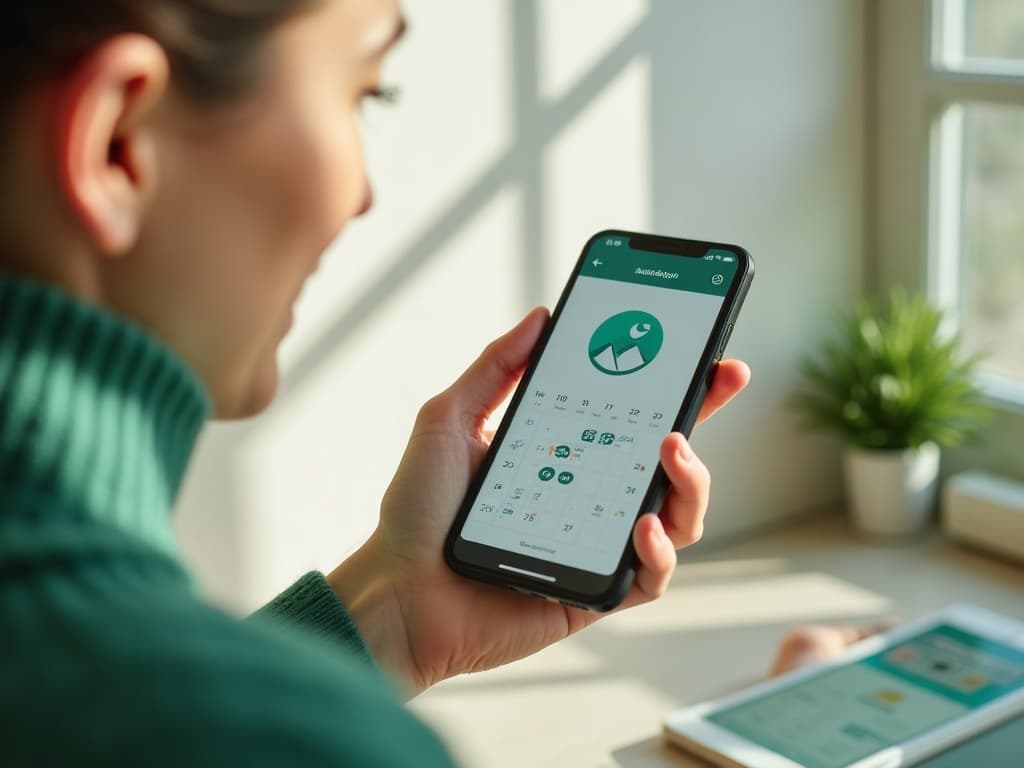
Track what drives calls, visits, and clicks
Use UTM parameters on outbound links when you drive to a site or booking page. Measurement should fit on one page for a busy owner. SocialSchedule is built as an AI-native social media scheduler, so this section focuses on practical workflow—not a feature checklist that could belong to any 2012 queue tool. Ignore vanity spikes; watch saves, shares, and actions that correlate with revenue. For small business, “Track what drives calls, visits, and clicks” is not a buzzword section—it is an operating system: plan pillars, draft with AI, schedule into optimal windows, and measure outcomes that matter.
A simple analytics habit beats a bloated dashboard you never open. Teams use a shared content calendar, smart queues, and optimal posting time recommendations to keep Instagram, TikTok, LinkedIn, X, Facebook, YouTube, Threads, Pinterest, Bluesky, and Google Business Profile moving without daily app hopping. AI drafting helps with captions, hooks, and hashtags, while approvals protect brand voice before anything goes live. SocialSchedule connects this workflow across Instagram, TikTok, X, LinkedIn, Facebook, YouTube, Threads, Pinterest, Bluesky, and Google Business Profile from one AI-native calendar and queue—not a bolted-on caption box on a 2012-style publisher. Keep platform-native formatting, approvals, and analytics in the same loop.
Feed winners back into next month’s calendar. When you outgrow manual posting, SocialSchedule’s agent surface—CLI, MCP server, API, and Skills—lets developers and AI agents schedule posts with the same guardrails marketers already trust. Explore related guides on the blog, skim the glossary for scheduling terms, and open the app to turn this playbook into a live queue. When you are ready, open https://app.socialschedule.ai/login to schedule live—or automate the same steps with CLI, MCP, API, and Skills while humans keep brand-voice guardrails.

Simple pricing vs Hootsuite-style suites
Affordable social media scheduling software should not bury you in unused enterprise modules. Pay for publishing outcomes, not a logo wall of unused tools. SocialSchedule is built as an AI-native social media scheduler, so this section focuses on practical workflow—not a feature checklist that could belong to any 2012 queue tool. SocialSchedule pricing scales with accounts and seats—start free and upgrade when it pays for itself. For small business, “Simple pricing vs Hootsuite-style suites” is not a buzzword section—it is an operating system: plan pillars, draft with AI, schedule into optimal windows, and measure outcomes that matter.
Compare features you will actually use: calendar, AI drafting, GBP, and multi-account posting. Teams use a shared content calendar, smart queues, and optimal posting time recommendations to keep Instagram, TikTok, LinkedIn, X, Facebook, YouTube, Threads, Pinterest, Bluesky, and Google Business Profile moving without daily app hopping. AI drafting helps with captions, hooks, and hashtags, while approvals protect brand voice before anything goes live. SocialSchedule connects this workflow across Instagram, TikTok, X, LinkedIn, Facebook, YouTube, Threads, Pinterest, Bluesky, and Google Business Profile from one AI-native calendar and queue—not a bolted-on caption box on a 2012-style publisher. Keep platform-native formatting, approvals, and analytics in the same loop.
If you later hire help, approvals and workspaces are ready. When you outgrow manual posting, SocialSchedule’s agent surface—CLI, MCP server, API, and Skills—lets developers and AI agents schedule posts with the same guardrails marketers already trust. Explore related guides on the blog, skim the glossary for scheduling terms, and open the app to turn this playbook into a live queue. When you are ready, open https://app.socialschedule.ai/login to schedule live—or automate the same steps with CLI, MCP, API, and Skills while humans keep brand-voice guardrails.

How small teams start in under a day
Connect accounts, import a week of ideas, let AI draft, then schedule. Time-to-first-scheduled-post should be measured in minutes. SocialSchedule is built as an AI-native social media scheduler, so this section focuses on practical workflow—not a feature checklist that could belong to any 2012 queue tool. One owner can run all social accounts alone with a sane queue. For small business, “How small teams start in under a day” is not a buzzword section—it is an operating system: plan pillars, draft with AI, schedule into optimal windows, and measure outcomes that matter.
Invite a partner later for approvals without migrating platforms. Teams use a shared content calendar, smart queues, and optimal posting time recommendations to keep Instagram, TikTok, LinkedIn, X, Facebook, YouTube, Threads, Pinterest, Bluesky, and Google Business Profile moving without daily app hopping. AI drafting helps with captions, hooks, and hashtags, while approvals protect brand voice before anything goes live. SocialSchedule connects this workflow across Instagram, TikTok, X, LinkedIn, Facebook, YouTube, Threads, Pinterest, Bluesky, and Google Business Profile from one AI-native calendar and queue—not a bolted-on caption box on a 2012-style publisher. Keep platform-native formatting, approvals, and analytics in the same loop.
Open the app and put next week on rails today. When you outgrow manual posting, SocialSchedule’s agent surface—CLI, MCP server, API, and Skills—lets developers and AI agents schedule posts with the same guardrails marketers already trust. Explore related guides on the blog, skim the glossary for scheduling terms, and open the app to turn this playbook into a live queue. When you are ready, open https://app.socialschedule.ai/login to schedule live—or automate the same steps with CLI, MCP, API, and Skills while humans keep brand-voice guardrails.

Features for small business
- AI draftingCaptions, hooks, and hashtags tuned to brand voice before you schedule.
- Visual content calendarSee every upcoming post across accounts before it goes live.
- Smart queuesFill optimal posting windows without living in native apps.
- Cross-platform publishingPublish across Instagram, TikTok, X, LinkedIn, Facebook, YouTube, Threads, Pinterest, Bluesky, and Google Business Profile with platform-aware formatting.
- Approvals & workspacesKeep brand-safe review paths for teams, clients, and agents.
- Agent surfaceAutomate with CLI, MCP, API, and Skills when you outgrow click-ops.