
Schedule Instagram Posts, Reels & Carousels with AI
SocialSchedule is an Instagram scheduler for feed posts, Reels, carousels, and Stories workflows — with AI captions, hashtags, best-time queues, and a visual Instagram content calendar. Auto-post when you are offline and keep TikTok, Threads, and Facebook in the same plan.
Start free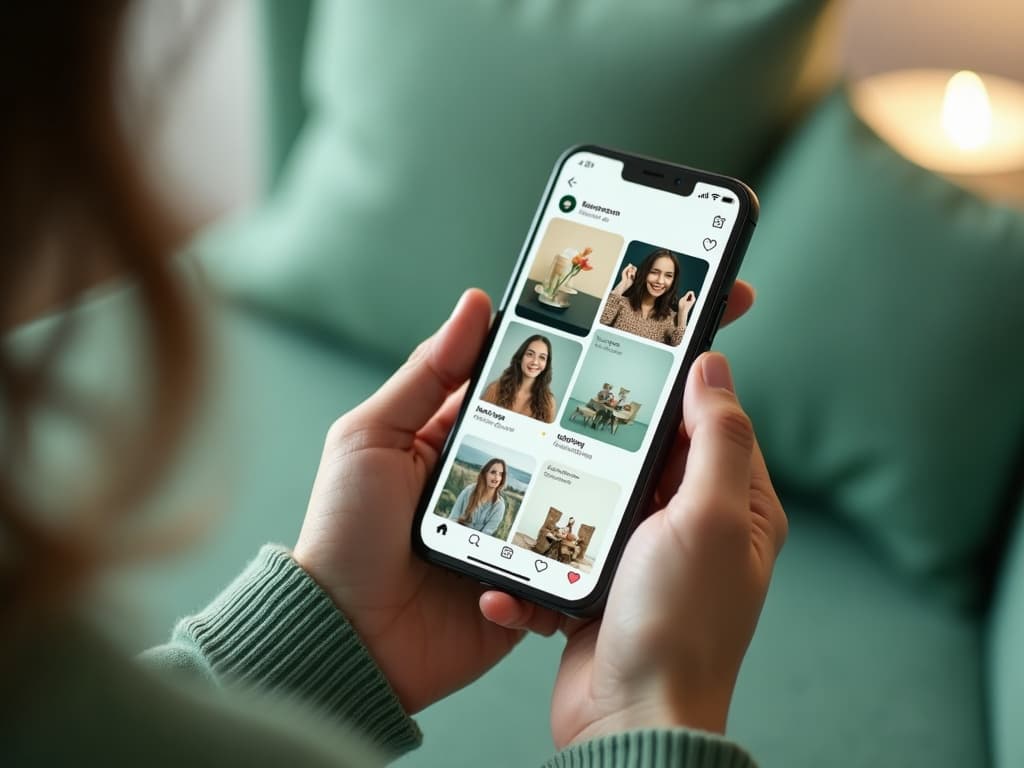
Instagram scheduler for feed posts, Reels, carousels, and Stories
Scheduling Instagram posts should not mean living in Meta Business Suite. SocialSchedule lets you queue feed posts, Reels, and carousels with platform-aware formatting, so aspect ratios, caption length, and CTA placement match how Instagram actually ranks content in 2026.
Plan Stories-oriented creative alongside evergreen feed assets in one calendar. Preview before publish, keep professional accounts connected, and avoid the “forgot to post the Reel” gap that kills momentum.

AI captions and hashtags tuned for Instagram discovery
Generic caption bots sound like ads. SocialSchedule’s AI drafts hooks, body copy, and hashtag sets tuned for Instagram discovery — saves, shares, and search — while staying in your brand voice.
Iterate variants for A/B creative tests, then lock winners into your Instagram queue. Pair AI drafts with human approval when agencies or executives need a final pass.
Best times to post on Instagram — built into your queue
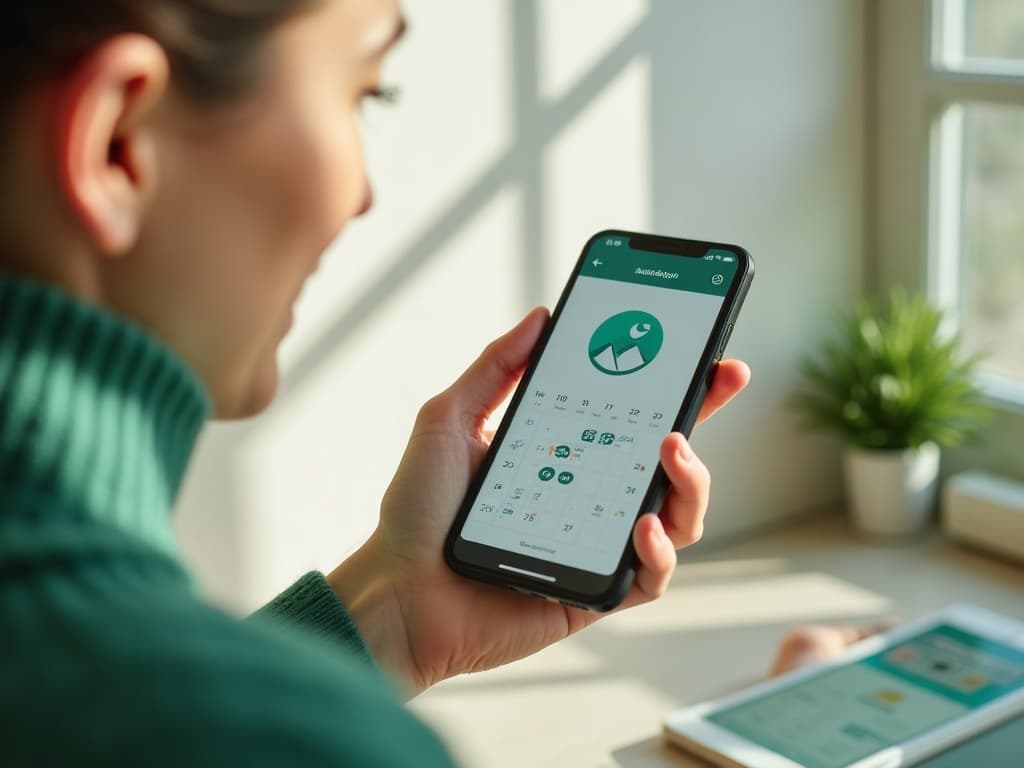
“Best time to post on Instagram” is not a single universal hour. SocialSchedule recommends windows from your audience engagement patterns and loads them into smart queues so auto post to Instagram happens when reach is realistic — not when you happen to be free.
Combine timed posts with flexible queue slots for UGC, launches, and always-on brand content without spreadsheet gymnastics.

Plan a full Instagram content calendar in one view
See Reels, carousels, and static posts on a shared Instagram content calendar next to TikTok, Threads, and Facebook. Spot gaps, balance promotional vs community content, and batch-create a week in one session.
Creators and brands use the same calendar primitive — different cadences, same shipping discipline.

Cross-post Instagram content to TikTok, Threads, and more
Short-form should travel, but not as identical spam. SocialSchedule helps you adapt Instagram Reels toward TikTok and YouTube Shorts, and conversational cuts toward Threads, with rewrite-first workflows.
Link your Instagram scheduler to sibling platform guides and keep UTM discipline when driving traffic off-platform.

Instagram analytics that matter: saves, shares, reach
Likes are weak signals. Track saves, shares, reach, and follows next to the posts you scheduled so the next caption and creative decision is evidence-based.
Pull insights into your weekly planning ritual instead of opening five native apps.

How creators and brands schedule Instagram with SocialSchedule
Creators batch Reels on Mondays, queue community posts mid-week, and keep Stories ideas ready for timely moments. Brands layer approval workflows and multi-account management for regional pages.
Start free, connect Instagram professional accounts, and expand into TikTok and Threads when your calendar is stable.

Instagram scheduling features
Schedule Instagram feed posts, Reels, and carousels in advance
AI captions and hashtags for discovery-oriented copy
Best-time recommendations inside your Instagram queue
Visual Instagram content calendar with multi-platform view
Cross-post adapters for TikTok, Threads, and Facebook
Multi-account support for creators, brands, and agencies
Analytics focused on saves, shares, and reach
Approvals before publish for teams and clients
Frequently asked questions
Can I schedule Instagram posts in advance?+
Yes. Queue feed posts, Reels, and carousels ahead of time and auto-publish to connected Instagram professional accounts.
Can SocialSchedule schedule Instagram Reels?+
Yes. Treat Reels as first-class scheduled units with AI hooks and calendar planning alongside static posts.
Can I schedule Instagram Stories?+
Plan Stories-oriented creative in your workflow and calendar; use SocialSchedule to keep Stories cadence aligned with feed and Reels launches.
Does it recommend the best time to post on Instagram?+
Yes. Optimal posting windows feed smart queues so you are not guessing based on generic blog charts alone.
Can I manage multiple Instagram business accounts?+
Yes. Connect multiple professional accounts and plan them on one calendar with optional approvals.
Will captions and hashtags be optimized for Instagram?+
AI drafts target Instagram-native tone, length, and discovery patterns — you stay editor-in-chief.
Can I preview how a post will look on Instagram?+
Review creative and captions before they go live so formatting surprises do not hit the grid.
Does scheduling work with Instagram professional accounts?+
Instagram scheduling is designed for professional/business setups suitable for third-party publishing tools.
Can I cross-post from Instagram to other platforms?+
Yes — adapt to TikTok, Threads, Facebook, and more with rewrite-first workflows instead of blind duplication.
Is there an Instagram content calendar view?+
Yes. See Instagram posts in a visual calendar with your other connected networks.
Schedule your next Instagram week in minutes
AI captions, Reels queues, and a calm calendar — start free on SocialSchedule.
Start free