
Schedule YouTube Videos & Shorts on One Calendar
SocialSchedule is a YouTube scheduler for long-form uploads and Shorts — with AI titles/descriptions, a publishing schedule that compounds, and cross-platform launch posts to TikTok, Reels, X, and LinkedIn.
Start free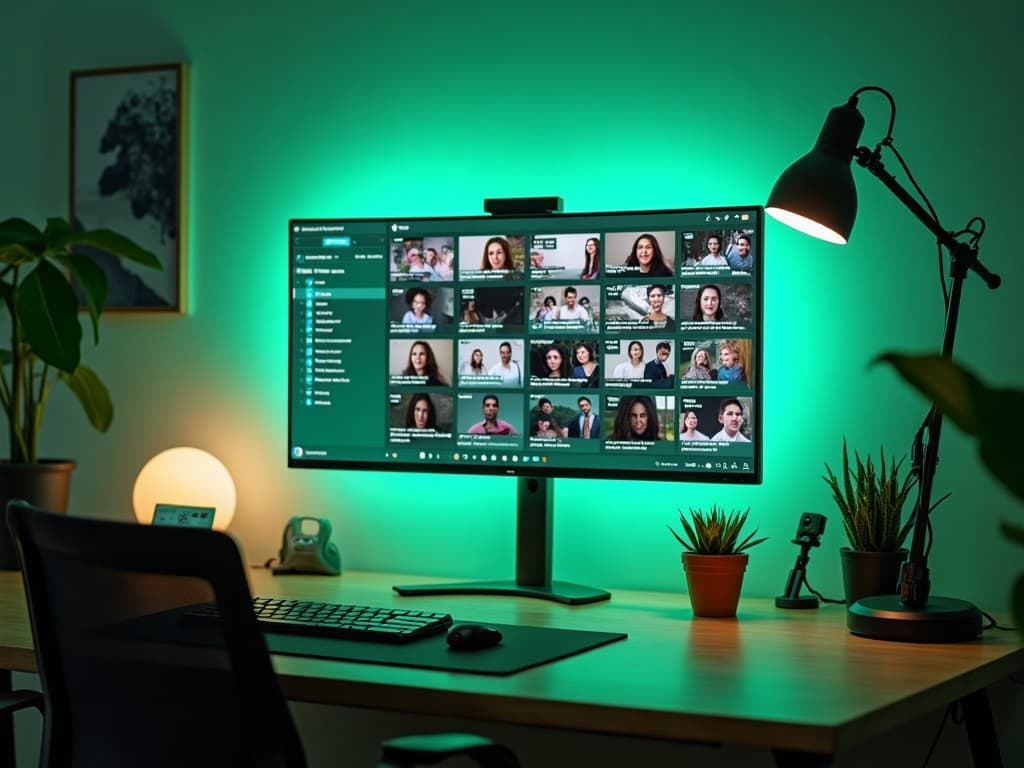
YouTube scheduler for long-form uploads and Shorts
Schedule YouTube videos and Shorts without treating them as separate universes. Align premieres, community buzz, and short-form cutdowns on one calendar.
Creators and agencies managing multiple channels get a clearer YouTube publishing schedule than Studio alone provides.

Plan a YouTube publishing schedule that compounds
Growth on YouTube is a cadence game. Map series, seasonal campaigns, and Shorts bursts so uploads compound instead of clustering randomly.
Batch planning sessions beat last-minute thumbnail panic.

AI titles, descriptions, and first-line hooks
AI helps draft titles, descriptions, and opening hooks that clarify the promise without clickbait sludge. You keep editorial control.
Reuse briefs across Shorts captions and TikTok hooks for launch weeks.
Best time to upload on YouTube (and when Shorts differ)
Best time to upload on YouTube differs for long-form vs Shorts. Timing guidance helps you schedule intentionally while subscriber habits evolve.
Validate with your analytics — not myths alone.

Cross-post Shorts workflows with TikTok and Reels
Short-form distribution is a system. Adapt Shorts to TikTok and Instagram Reels with platform-native captions from the same planning board.
Studio cannot run that cross-platform AI calendar — SocialSchedule can.

Keep launches aligned across X, LinkedIn, and communities
A video launch dies quietly without announcement posts. Queue X threads and LinkedIn notes to ship when the video goes live.
Treat YouTube as the hub; social as the distribution OS.

Track views and engagement next to your social calendar
See what launched and what deserves a follow-up Short or community post. Keep learning loops tight.
Start free and connect channels when ready.
YouTube scheduling features
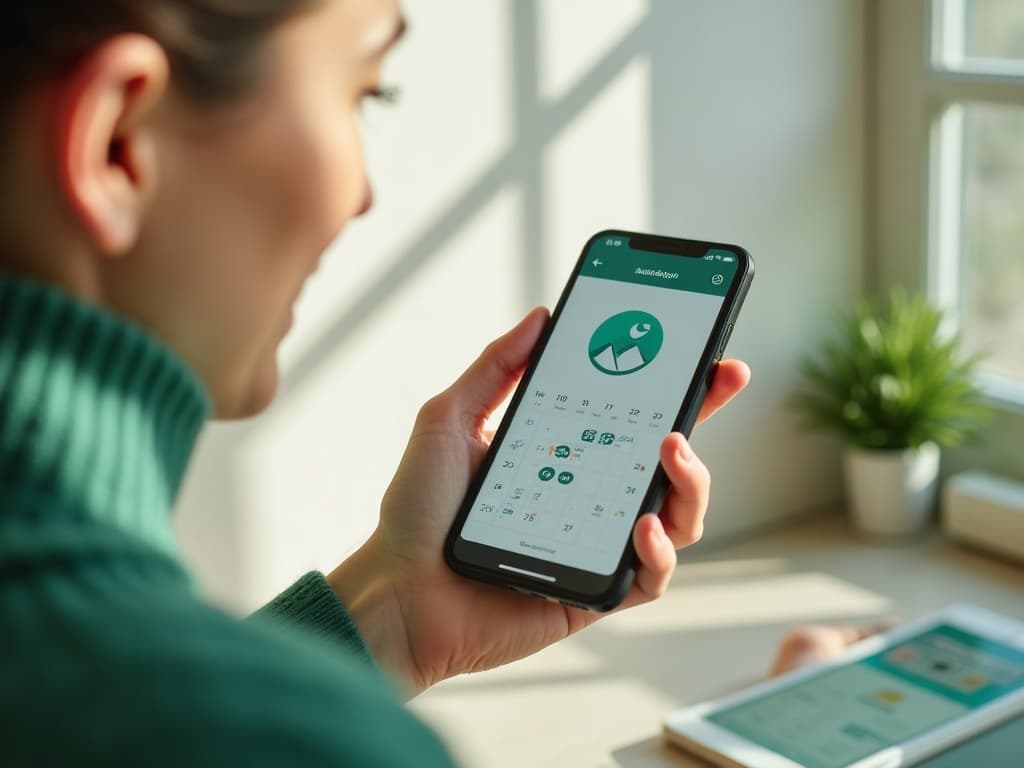
Schedule YouTube long-form and Shorts together
AI titles, descriptions, and hooks
Publishing calendar for series and launches
Timing guidance for uploads
Cross-post Shorts to TikTok and Reels
Launch announcements on X and LinkedIn
Multi-channel support for creators and agencies
Calendar-adjacent performance context
Frequently asked questions
Can I schedule YouTube videos in advance?+
Yes. Plan uploads on a SocialSchedule calendar alongside your other networks.
Can I schedule YouTube Shorts?+
Yes. Shorts are first-class in the short-form system with TikTok and Reels.
Does SocialSchedule help with titles and descriptions?+
Yes. AI drafts titles and descriptions you refine before publishing.
What’s the best time to upload on YouTube?+
It varies by audience and format. Use timing guidance plus your channel analytics.
Can I plan a full YouTube content calendar?+
Yes. Map series, Shorts, and launch posts in one view.
Can I coordinate premiere posts on other platforms?+
Yes. Queue X, LinkedIn, TikTok, and Instagram posts to match go-live moments.
Does it support multiple YouTube channels?+
Yes — useful for agencies and multi-brand creators.
Can creators manage Shorts and long-form together?+
Yes. That dual workflow is a core use case.
How is this different from YouTube Studio scheduling?+
Studio is single-platform. SocialSchedule adds cross-platform calendars, AI drafts, and agent/API hooks.
Can agencies schedule client YouTube channels?+
Yes, with multi-account calendars and approval-friendly workflows.